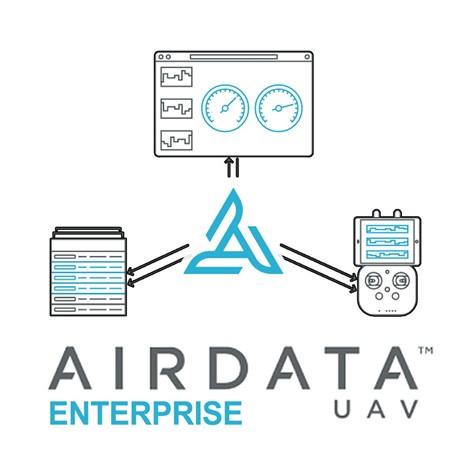
AirData UAV is an operational intelligence platform that brings flights, aircraft, pilots, equipment, maintenance, compliance, and reporting together in one centralized system. Flight logs sync automatically, aircraft and batteries are detected, and operational insights help teams identify maintenance concerns and inefficiencies before they become more costly. By keeping operational records connected, AirData helps professional drone programs improve fleet readiness, reduce risk, support informed decision-making, and scale with greater confidence.
AirData supports operations before, during, and after each mission. Teams can review airspace, aircraft airworthiness, and pilot credentials before takeoff, monitor multiple live video feeds with sub-second latency during a mission, and analyze synchronized flight data afterward to identify aircraft and battery concerns. Maintenance, compliance, and audit records build as operations are completed, creating a more complete account of every flight.
Built for drone programs of different sizes, AirData works across more than 180 drone types, 40 manufacturers, and 60 flight applications without requiring hardware changes or a new flight app for pilots. Configurable reporting tools bring together flight, mission, pilot, equipment, maintenance, and incident records, allowing teams to save report templates, schedule recurring delivery, and export information for regulators, clients, insurers, and organizational leadership.
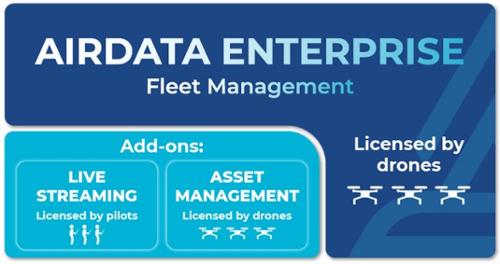
AirData Asset Management
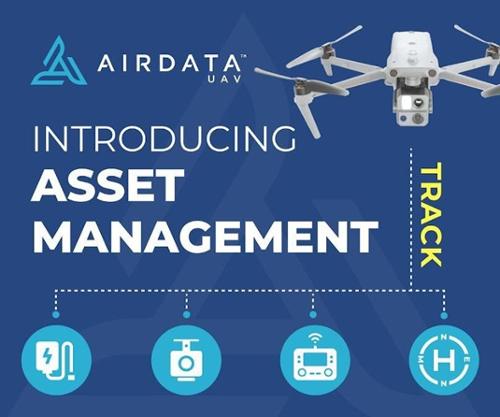
The AirData Asset Management add-on provides a centralized system for managing equipment utilization, custody, availability, location, maintenance, mission readiness, and compliance. QR-code-based workflows allow fleet managers, pilots, and technicians to check equipment in and out, monitor asset history, report maintenance activity, and maintain more complete fleet records.
Equipment Kits: Group sensors, batteries, and other accessories that are frequently used together into equipment kits. Teams can track whether an entire kit is deployed, undergoing maintenance, or awaiting assignment.
Convenient Check-In and Check-Out: Scan QR codes to check equipment in and out while recording equipment activity, location, and custody in a shared database. This provides fleet managers with visibility into asset availability and supports more accountable equipment allocation.
Secure Lost-and-Found Reporting: If someone outside the organization finds and scans a labeled item, that person can use a private, anonymous chat to notify the equipment owner through a standard mobile browser.
Customizable Equipment Labels: Create printable QR-code labels for individual drones and batteries. Available label fields include the drone name and registration information, while saved templates make it easier to prepare labels for different equipment needs. Customized labels are available to Enterprise subscribers with the Asset Management add-on.
Expanded Item Tracking: Manage more than drones and batteries by tracking remote controllers, payloads, chargers, and other equipment used in drone operations.
Field Maintenance Logging: Pilots and technicians can scan an asset’s QR code and record maintenance activity from a mobile device, creating a more detailed service history and supporting fleet readiness.
Historical Location and Custody Records: Each QR-code scan can save the item’s location in a historical ledger. AirData uses this information to provide records of equipment location and custody for documentation, compliance, and accountability.
Dynamic Multiview Player Live Streaming
AirData Live Streaming provides real-time visibility into drone operations with sub-second latency and no additional streaming hardware required. Pilots can stream from the aircraft and flight applications they already use, while remote teams monitor multiple feeds through the Dynamic Multiview Player. AirData supports up to seven simultaneous live feeds in one view, with secure sharing, separate streaming rooms, and recording and rewind capabilities for greater operational visibility.
Sub-Second Latency: Stream drone video with under one second of latency, providing remote viewers with near-real-time visibility during active operations.
No Additional Hardware: Pilots can stream their device screen through the AirData mobile app or connect a direct camera feed without requiring additional streaming hardware.
Broad Flight App Compatibility: AirData supports streaming from the flight applications pilots already use and can transmit either the pilot's screen or direct RTMP, RTSP, or SRT feeds.
Dynamic Multiview Player: Monitor up to seven live feeds in a single view. Active streams automatically appear as pilots go live, and viewers can enlarge individual feeds when needed.
Live Streaming Rooms: Create separate rooms for different teams, agencies, missions, or activities. Room access can be available across an account or restricted to selected users and organizations.
Secure Sharing: Control access to live video and share streams through links, QR codes, or PIN-protected access. External viewers can access shared streams through a browser without requiring an AirData account.
Live Stream Alerts: Notify supervisors and other stakeholders when a live stream begins, helping viewers connect to the operation when video becomes available.
Record and Rewind: Save live streams for later review or rewind up to 10 previous minutes while the stream remains live. AirData also provides an optional automatic recording function when streaming begins.
Analysis
Flight Data
Battery Health
Aircraft & Maintenance
Diagnostics
Alerts & Thresholds
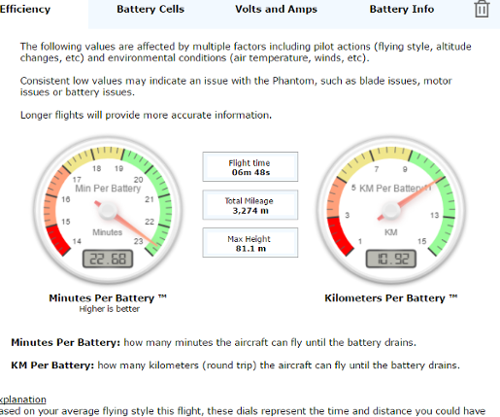
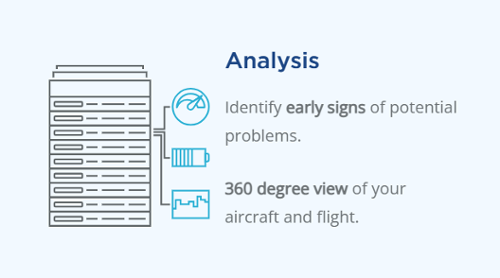
AirData automatically captures and analyzes drone flight logs to provide a detailed view of aircraft performance, battery health, flight conditions, telemetry, and operational history. Flight data is organized into telemetry, diagnostic, and performance views, helping teams identify anomalies, review warnings, understand environmental conditions, and investigate events within the context of each flight.
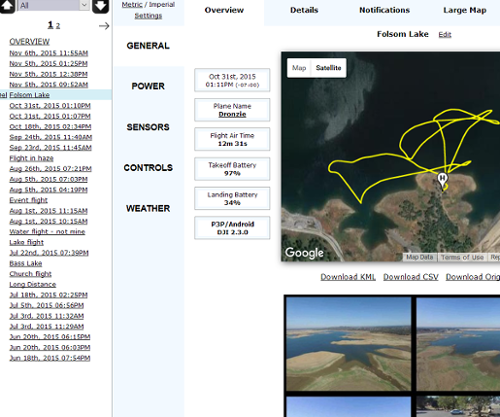
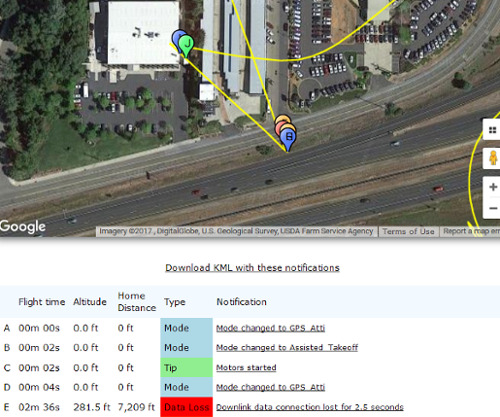
Flight Analysis: Automatically process flight logs and review aircraft behavior, signal strength, wind, sensor performance, warnings, and other flight data. AirData's 3D flight player combines route and telemetry playback so teams can return to specific points in a flight and review what occurred.
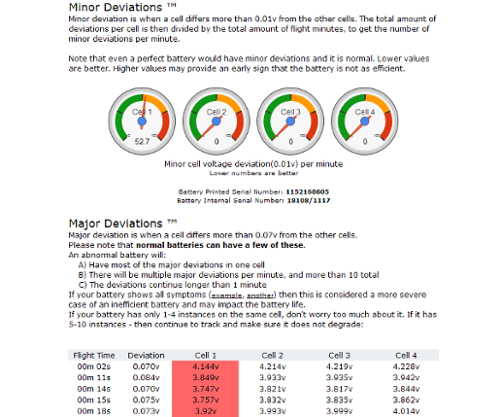
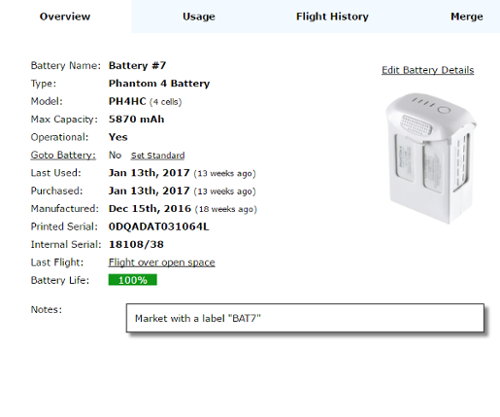
Battery Health: Monitor individual battery cells after each flight, including cell-level voltage, temperature, degradation, and usage. AirData tracks battery performance over time to help teams identify changing conditions and equipment that may require attention.
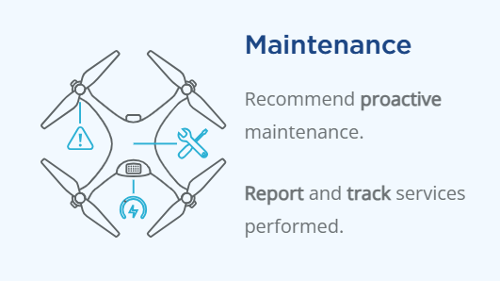
Aircraft & Maintenance: Track aircraft condition, upcoming service requirements, inspections, repairs, and maintenance history. Maintenance can be scheduled based on flight hours, cycles, or dates, helping teams see what requires attention before the next flight.
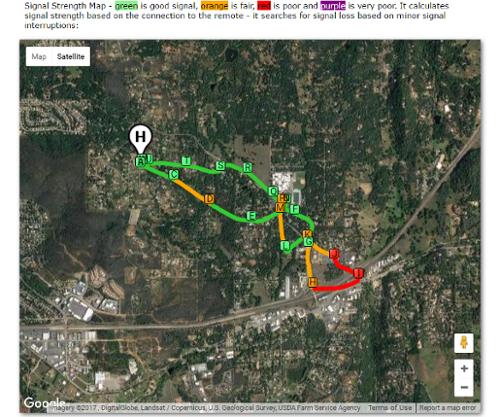
Diagnostics & Environmental Data: Review sensor and control diagnostics alongside environmental conditions and aircraft behavior. Flight telemetry can include altitude, signal, wind, warnings, and other contextual information to help teams understand anomalies and performance indicators.
Reporting
AirData turns recorded flight, mission, pilot, equipment, maintenance, and incident information into configurable reports for regulators, clients, insurers, and organizational leadership. Teams can choose fields, filters, and reporting periods, save frequently used configurations as templates, schedule recurring reports, and export information according to reporting requirements.
Notifications on Critical Issues
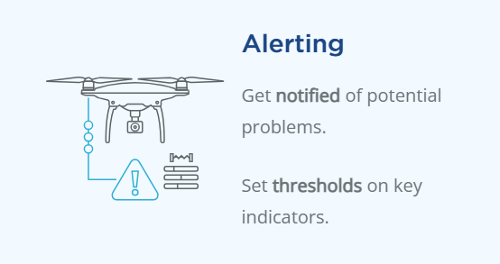
AirData provides configurable thresholds and alerts to help teams identify conditions that require review. Flight data can be measured against custom operating thresholds, with exceedances flagged for faster analysis. Email alerts can also cover equipment and battery health, pilot behavior, upcoming maintenance, and expiring documents.
Sharing
SHARE YOUR FLIGHT
Create customizable Flight Shares that display selected information from a recorded flight. Users can choose which categories of flight information are included and generate a unique sharing link for others to view.
REVIEW & COLLABORATE
Shared flight information provides a way to review recorded flight data with others, while AirData's analysis tools can surface interference, signal issues, warnings, telemetry, and other flight conditions for further investigation.
AIRDATA IN ACTION
Automatic Flight Data Capture Automatically sync and organize flight logs from supported flight apps.
Battery Health Analysis Monitor cell voltage, temperature, and degradation to identify potential battery issues.
3D Flight Player & Telemetry Replay flight routes and review altitude, signal, wind, warnings, and other telemetry data.
Flight Diagnostics Identify anomalies, hazards, and performance indicators across recorded flight data.
Thresholds & Alerts Set operating thresholds and quickly identify flights that exceed established limits.
.png)